

Python实现微信跳一跳自动计算点击距离的原理与代码解析

本文解析Python实现微信跳一跳自动辅助的核心逻辑,重点讲解如何使用PIL库读取截图,并结合Matplotlib的交互功能捕获鼠标点击坐标。通过自定义事件监听器记录两次点击位置,利用欧几里得公式计算两点间距离,为后续跳跃力度控制提供数据支持。
微信跳一跳自动辅助代码的具体实现细节如下。
该Python脚本包含多个文件,其中关键部分负责获取游戏截图。在显示的图像上,用户需点击两次,Python控制台将打印出这两次点击的坐标位置,并计算输出这两个点之间的直线距离。
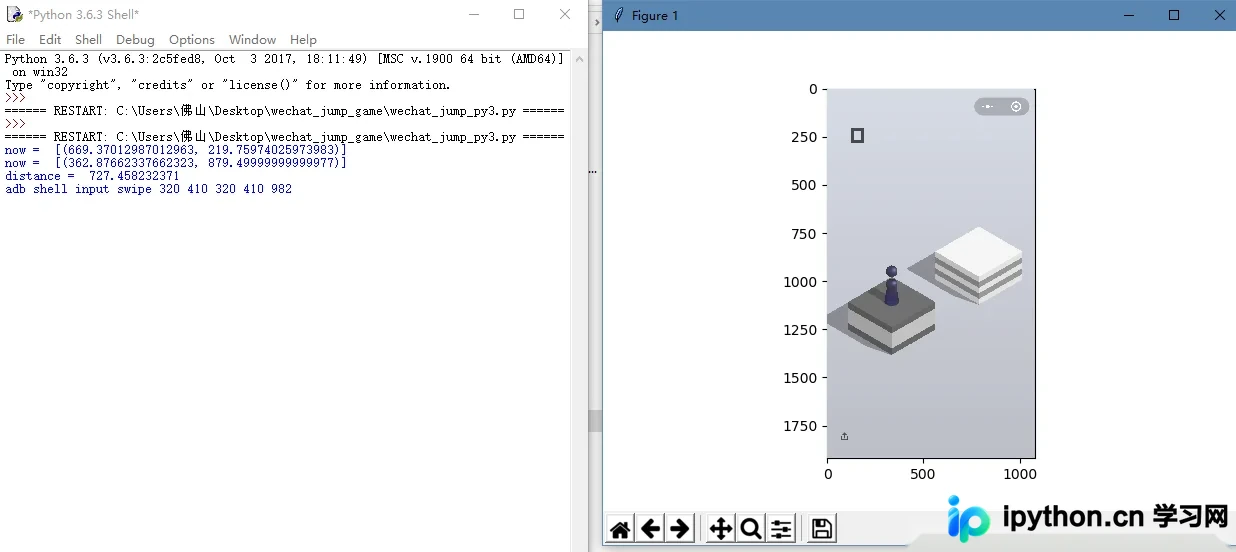
此处暂略去截屏获取环节,主要阐述如何在指定图片上通过两次点击来计算距离的方法。
首先,需要引入图形处理模块PIL(Pillow):
from PIL import Image
img = Image.open('0.jpg')
接着,使用绘图模块matplotlib创建一个plot对象:
import matplotlib.pyplot as plt
fig = plt.figure()
将该对象与之前打开的图片关联,并添加标签:
plt.imshow(img, animated = True)
随后,利用matplotlib的canvas.mpl_connect函数,将鼠标点击动作与图片显示区域绑定。该函数的第二个参数需要用户自定义处理函数。
fig.canvas.mpl_connect('button_press_event', on_press)
在自定义的on_press函数中,需实现获取两个点后计算距离的逻辑。为此,需要定义变量来存储坐标、临时数据及点击次数,包括横纵坐标信息。具体使用全局变量cor=[0,0]、coords=[]、click_count=0,以及ix和iy。
global ix,iy
 global click_count
 global cor

 ix,iy = event.xdata, event.ydata
 coords = []
 coords.append((ix,iy))
 print("now = ", coords)
 cor.append(coords)
 click_count += 1
首先将点击点存入临时列表coords,打印当前坐标,随后将该点追加到全局变量cor中,并将点击计数器加1。
 if click_count > 1:
  click_count = 0

  cor1 = cor.pop()
  cor2 = cor.pop()

  distance = (cor1[0][0] - cor2[0][0]) **2 + (cor1[0][1] - cor2[0][1]) **2
  distance = distance ** 0.5
  print("distance = ", distance)
当点击次数大于1时,表明已记录两个点。此时使用栈的pop()方法依次取出两个点,分别赋值给cor1和cor2。基于这两个点的坐标计算distance即可得到距离值。
完整代码示例如下:
import numpy as np
from matplotlib.animation import FuncAnimation
import matplotlib.pyplot as plt
from PIL import Image
def on_press(event):
 global ix,iy
 global click_count
 global cor

 ix,iy = event.xdata, event.ydata
 coords = []
 coords.append((ix,iy))
 print("now = ", coords)
 cor.append(coords)

 click_count += 1
 if click_count > 1:
  click_count = 0

  cor1 = cor.pop()
  cor2 = cor.pop()

  distance = (cor1[0][0] - cor2[0][0]) **2 + (cor1[0][1] - cor2[0][1]) **2
  distance = distance ** 0.5
  print("distance = ", distance)

cor = [0,0]
click_count = 0
fig = plt.figure()
img = Image.open('0.jpg')
#updata = True

plt.imshow(img, animated= True)

fig.canvas.mpl_connect('button_press_event', on_press)
plt.show()
最终运行效果展示:
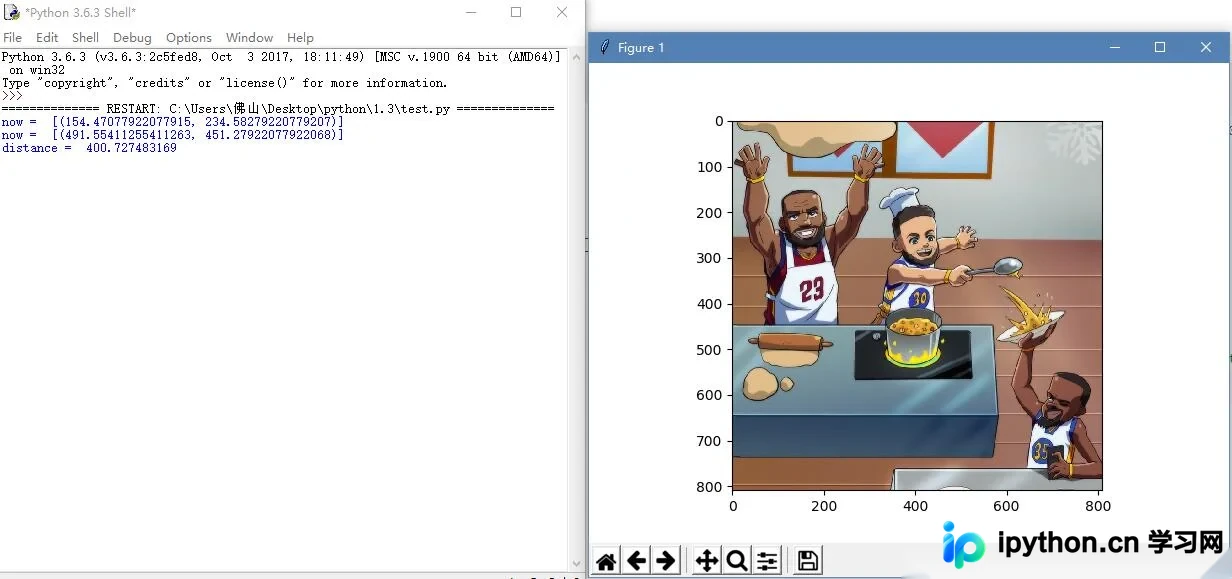
以上为本文全部内容,希望能为读者提供学习参考,欢迎继续支持本站。
免责声明:本文内容仅供参考,不代表本站观点。转载或引用请注明出处。









