

Python实战:使用Pygame开发外星人入侵小游戏

本文详细介绍如何使用Python和Pygame库从零开始开发一款名为“外星人入侵”的桌面小游戏。内容涵盖环境配置、窗口创建、图像加载、模块重构及事件处理等核心步骤,帮助开发者掌握Python在游戏后台开发中的应用。
引言
近期Python语言热度持续攀升,其应用范围已不仅限于科学计算领域,在游戏开发和后端服务等方面同样展现出强大实力。本文将严格遵循标准的项目开发流程,逐步指导读者编写一款Python小游戏,以此体验编程的乐趣。本次实战项目名为“外星人入侵”(Alien Invasion)。
安装pygame并创建能左右移动的飞船
安装pygame
测试环境为Windows 10操作系统及Python 3.6版本。pygame库的官方下载链接为:。
请根据Python版本下载对应的pygame安装包,并执行以下命令完成安装:
$ pip install wheel
$ pip install pygame‑1.9.3‑cp36‑cp36m‑win_amd64.whl
创建Pygame窗口及响应用户输入
新建一个名为alien_invasion的文件夹,并在其中创建主程序文件alien_invasion.py,输入以下代码:
import sys
import pygame
def run_game():
  #initialize game and create a dispaly object
  pygame.init()
  screen = pygame.display.set_mode((1200,800))
  pygame.display.set_caption("Alien Invasion")
  # set backgroud color
  bg_color = (230,230,230)
  # game loop
  while True:
    # supervise keyboard and mouse item
    for event in pygame.event.get():
      if event.type == pygame.QUIT:
        sys.exit()
    # fill color
    screen.fill(bg_color)
    # visualiaze the window
    pygame.display.flip()
run_game()
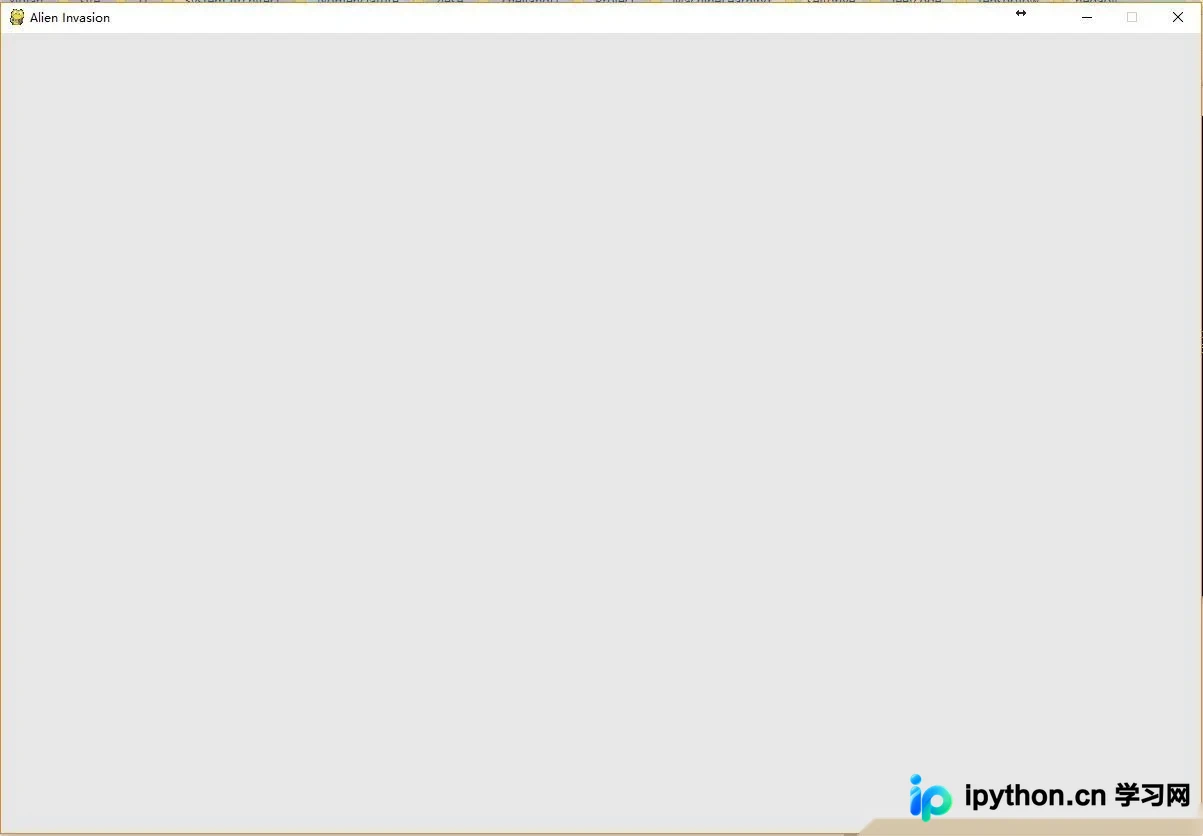
运行上述代码后,将弹出一个灰色背景的窗口界面:
$ python alien_invasion.py
创建设置类
为了在开发过程中便捷地扩展新功能,建议单独编写一个settings模块,其中包含Settings类,用于集中存储所有游戏设置。这种设计模式使得随着项目规模扩大,修改游戏外观参数变得更加容易。首先,我们需要将alien_invasion.py中的显示屏尺寸及背景颜色配置提取出来。在alien_invasion文件夹下新建Python文件settings.py,并添加如下代码:
class Settings(object):
  """docstring for Settings"""
  def __init__(self):
    # initialize setting of game
    # screen setting
    self.screen_width = 1200
    self.screen_height = 800
    self.bg_color = (230,230,230)
随后,在alien_invasion.py中导入Settings类,并应用相关设置,修改后的代码如下:
import sys
import pygame
from settings import Settings
def run_game():
  #initialize game and create a dispaly object
  pygame.init()
  ai_settings = Settings()
  screen = pygame.display.set_mode((ai_settings.screen_width,ai_settings.screen_height))
  pygame.display.set_caption("Alien Invasion")
  # set backgroud color
  bg_color = (230,230,230)
  # game loop
  while True:
    # supervise keyboard and mouse item
    for event in pygame.event.get():
      if event.type == pygame.QUIT:
        sys.exit()
    # fill color
    screen.fill(ai_settings.bg_color)
    # visualiaze the window
    pygame.display.flip()
run_game()
添加飞船图像
接下来,我们需要将飞船图形引入游戏。为了在屏幕上渲染玩家控制的飞船,我们需要加载图像文件,并利用Pygame的blit()方法进行绘制。虽然Pygame支持多种图像格式,但位图(.bmp)文件最为简便,因为它是Pygame默认支持的格式。加载其他格式可能需要额外库支持。建议从免费素材网站获取图像资源:。请在主项目文件夹(alien_invasion)下新建images文件夹,并将.bmp格式的图片放入其中。
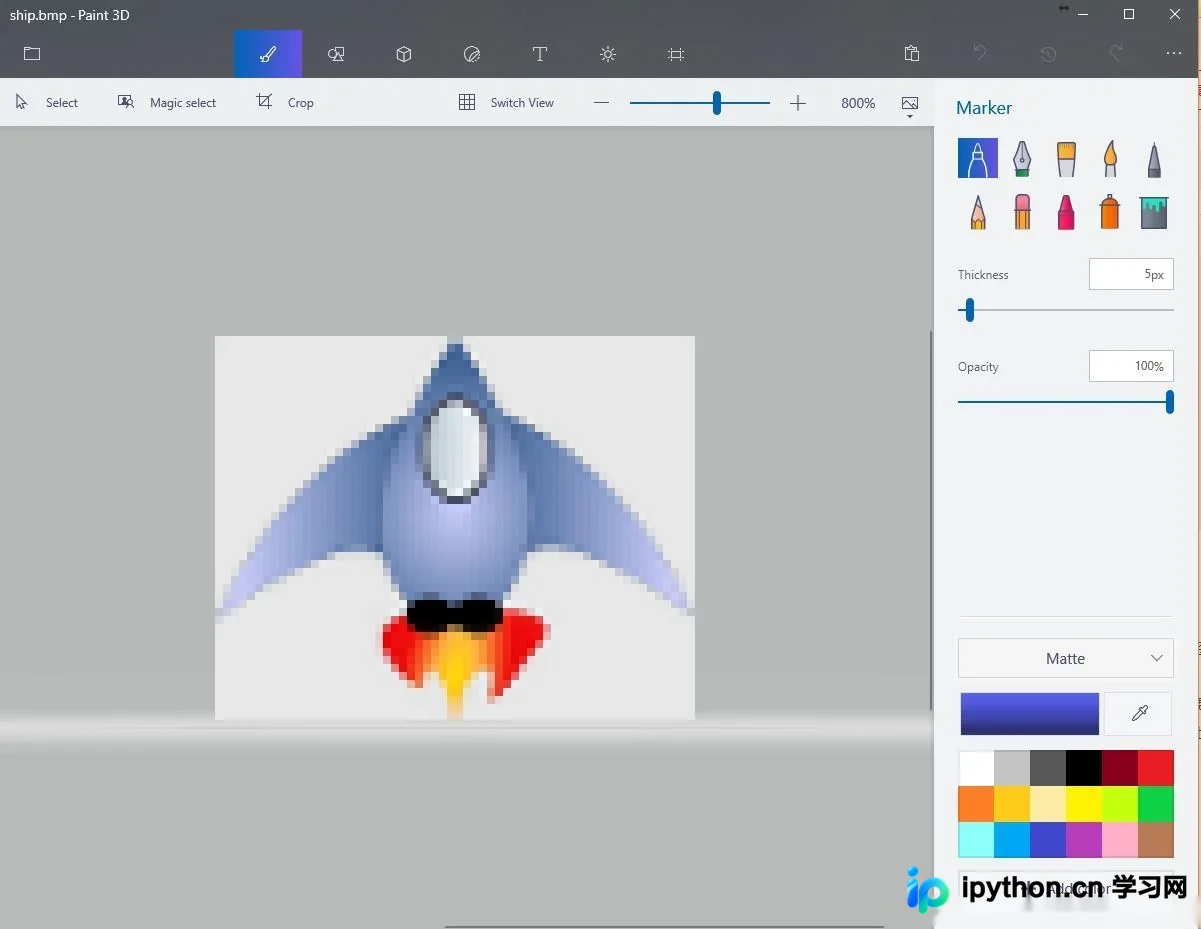
接着,我们创建飞船类ship.py:
import pygame
class Ship():
  def __init__(self,screen):
    #initialize spaceship and its location
    self.screen = screen
    # load bmp image and get rectangle
    self.image = pygame.image.load('image/ship.bmp')
    self.rect = self.image.get_rect()
    self.screen_rect = screen.get_rect()
    #put spaceship on the bottom of window
    self.rect.centerx = self.screen_rect.centerx
    self.rect.bottom = self.screen_rect.bottom
  def blitme(self):
    #buld the spaceship at the specific location
    self.screen.blit(self.image,self.rect)
最后,在屏幕上绘制飞船,即在alien_invasion.py文件中调用blitme()方法:
import sys
import pygame
from settings import Settings
from ship import Settings
def run_game():
  #initialize game and create a dispaly object
  pygame.init()
  ai_settings = Settings()
  screen = pygame.display.set_mode((ai_settings.screen_width,ai_settings.screen_height))
  ship = Ship(screen)
  pygame.display.set_caption("Alien Invasion")
  # set backgroud color
  bg_color = (230,230,230)
  # game loop
  while True:
    # supervise keyboard and mouse item
    for event in pygame.event.get():
      if event.type == pygame.QUIT:
        sys.exit()
    # fill color
    screen.fill(ai_settings.bg_color)
    ship.blitme()
    # visualiaze the window
    pygame.display.flip()
run_game()
重构:模块game_functions
在大型项目开发中,添加新功能前通常需要对既有代码进行重构。重构旨在简化代码结构,提升可扩展性。我们将实现一个game_functions模块,用于存储驱动“外星人入侵”游戏运行的各类函数。通过创建该模块,可以避免alien_invasion.py文件过长,使逻辑结构更加清晰易懂。
函数check_events()
首先,我们将管理用户输入事件的代码迁移至名为check_events()的函数中,目的是将事件循环逻辑独立隔离。
import sys
import pygame
def check_events():
  #respond to keyboard and mouse item
  for event in pygame.event.get():
    if event.type == pygame.QUIT:
      sys.exit()
随后,修改alien_invasion.py代码,导入game_functions模块,并将原有的事件循环替换为对check_events()函数的调用:
import sys
import pygame
from settings import Settings
from ship import Ship
import game_functions as gf
def run_game():
  #initialize game and create a dispaly object
  pygame.init()
  ai_settings = Settings()
总结
以上介绍了使用Python开发小型游戏的完整流程,希望能为读者提供有益参考。如有任何疑问,欢迎留言交流,小编将及时回复。感谢大家对本站的支持!
免责声明:本文内容仅供参考,不代表本站观点。转载或引用请注明出处。









