

Python可视化神器pyecharts绘制水球图

发布时间:2026-10-15| 5人浏览过
本文介绍如何使用Python库pyecharts绘制多种样式的水球图,包括菱形、正方形、圆球及双水球图。通过调整shape、is_outline_show等参数,可自定义边框、形状及数据精度,适用于展示业务完成率等动态视觉效果。
水球图
水球图首先呈现动态的水流波动效果,视觉体验较为舒适,通常用于展示业务完成率。虽然其功能与仪表盘类似,但水球图因视觉效果更为炫酷,个人更倾向于使用它。
from pyecharts import options as opts
from pyecharts.charts import Liquid
from pyecharts.globals import SymbolType

c = (
Liquid()
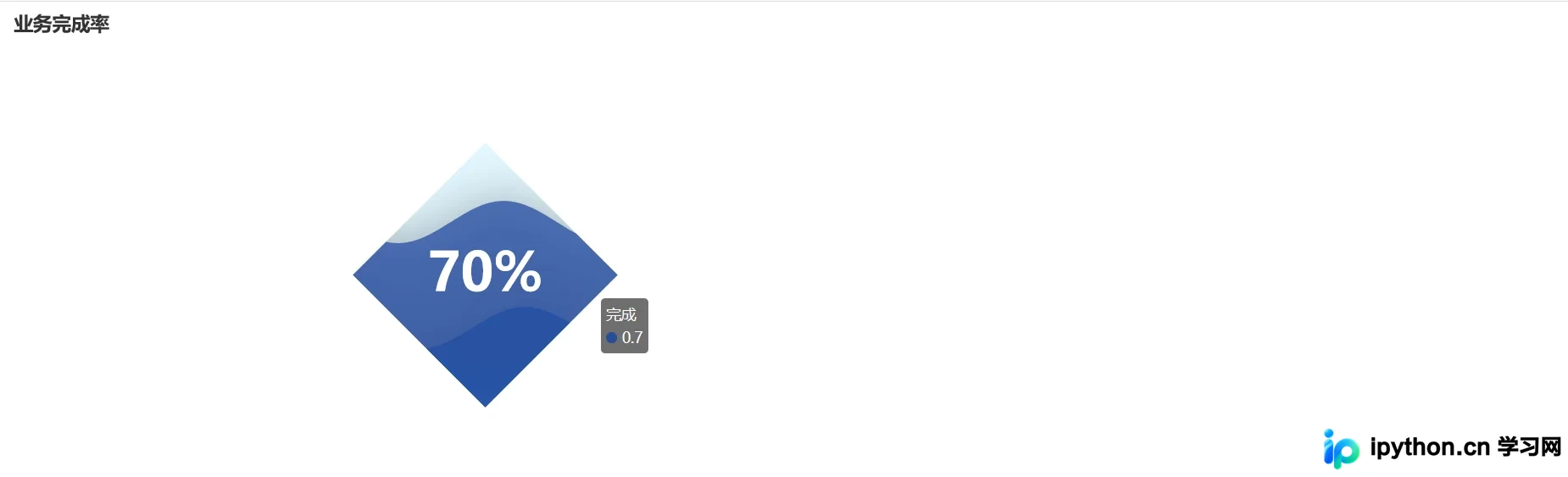
.add("完成", [0.7, 0.3], is_outline_show=False, shape=SymbolType.DIAMOND)
.set_global_opts(title_opts=opts.TitleOpts(title="业务完成率"))
.render("菱形水球图.html")
)
双水球图显示
from pyecharts import options as opts
from pyecharts.charts import Grid, Liquid
from pyecharts.commons.utils import JsCode
l1 = (
Liquid()
.add("lq", [0.6, 0.7], center=["60%", "50%"])
.set_global_opts(title_opts=opts.TitleOpts(title="标题"))
)
l2 = Liquid().add(
"lq",
[0.3],
center=["25%", "50%"],
label_opts=opts.LabelOpts(
font_size=50,
formatter=JsCode(
"""function (param) {
return (Math.floor(param.value * 10000) / 100) + '%';
}"""
),
position="inside",
),
)
grid = Grid().add(l1, grid_opts=opts.GridOpts()).add(l2, grid_opts=opts.GridOpts())
grid.render("双水球图显示.html")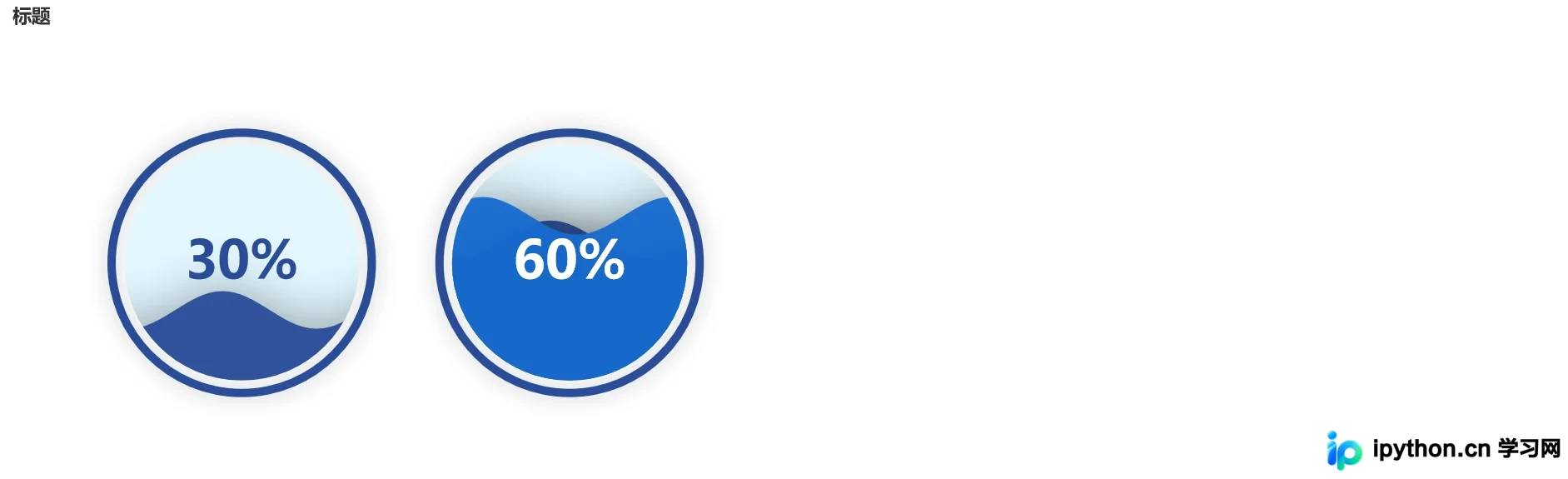
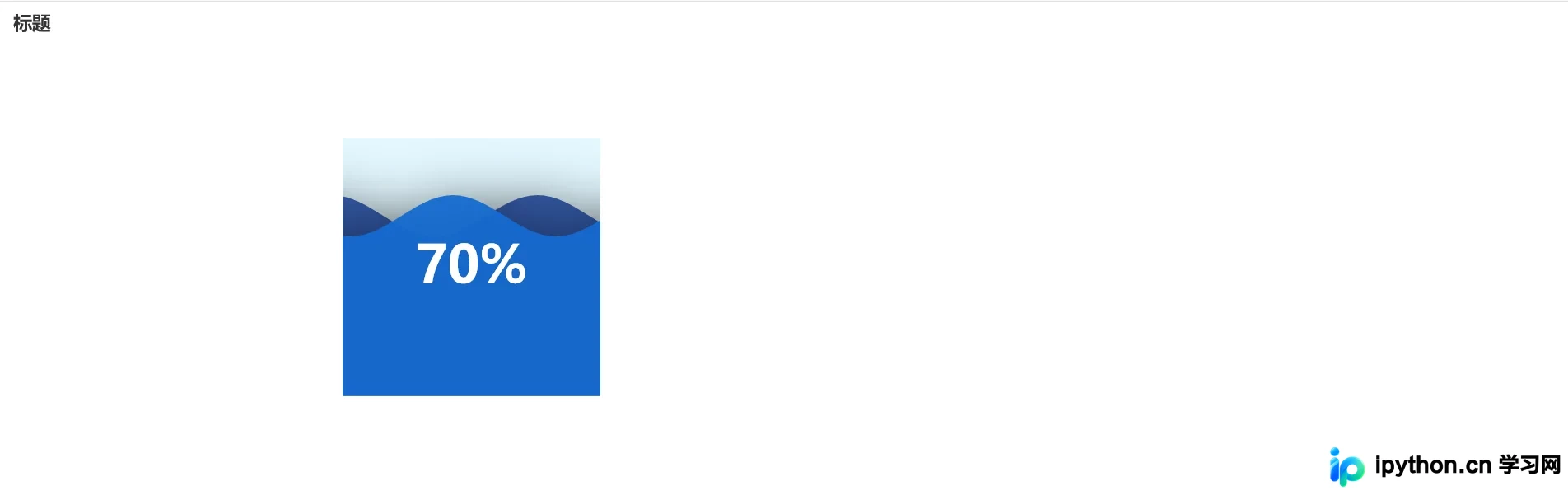
正方形水球图
实际上,只需调整部分参数即可实现,与初始示例类似。
from pyecharts import options as opts
from pyecharts.charts import Liquid
from pyecharts.globals import SymbolType
c = (
Liquid()
.add("lq", [0.7, 0.7], is_outline_show=False, shape=SymbolType.RECT)
.set_global_opts(title_opts=opts.TitleOpts(title="标题"))
.render("正方形.html")
)
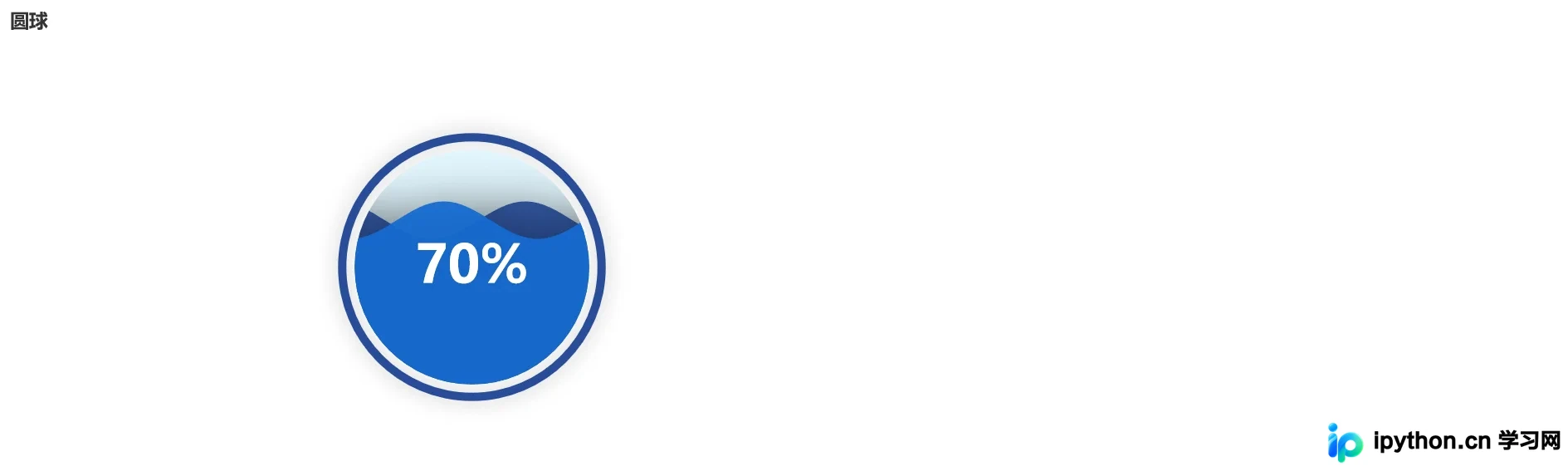
圆球水球图
from pyecharts import options as opts
from pyecharts.charts import Liquid
c = (
Liquid()
.add("lq", [0.7, 0.7])
.set_global_opts(title_opts=opts.TitleOpts(title="圆球"))
.render("圆球.html")
)
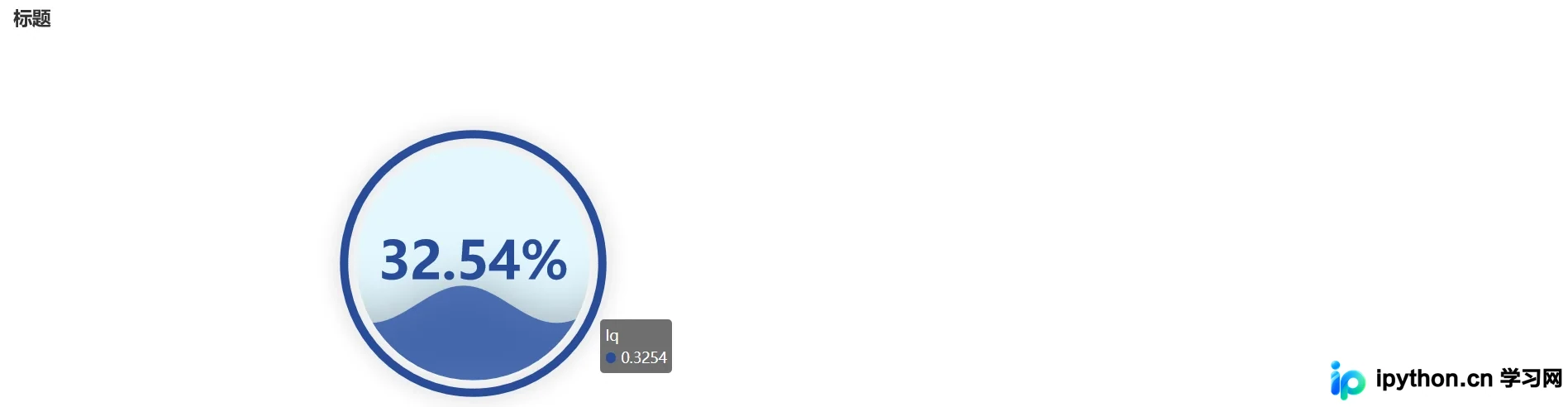
数据精度水球图
from pyecharts import options as opts
from pyecharts.charts import Liquid
from pyecharts.commons.utils import JsCode

c = (
Liquid()
.add(
"lq",
[0.3254],
label_opts=opts.LabelOpts(
font_size=50,
formatter=JsCode(
"""function (param) {
return (Math.floor(param.value * 10000) / 100) + '%';
}"""
),
position="inside",
),
)
.set_global_opts(title_opts=opts.TitleOpts(title="标题"))
.render("数据精度水球图.html")
)
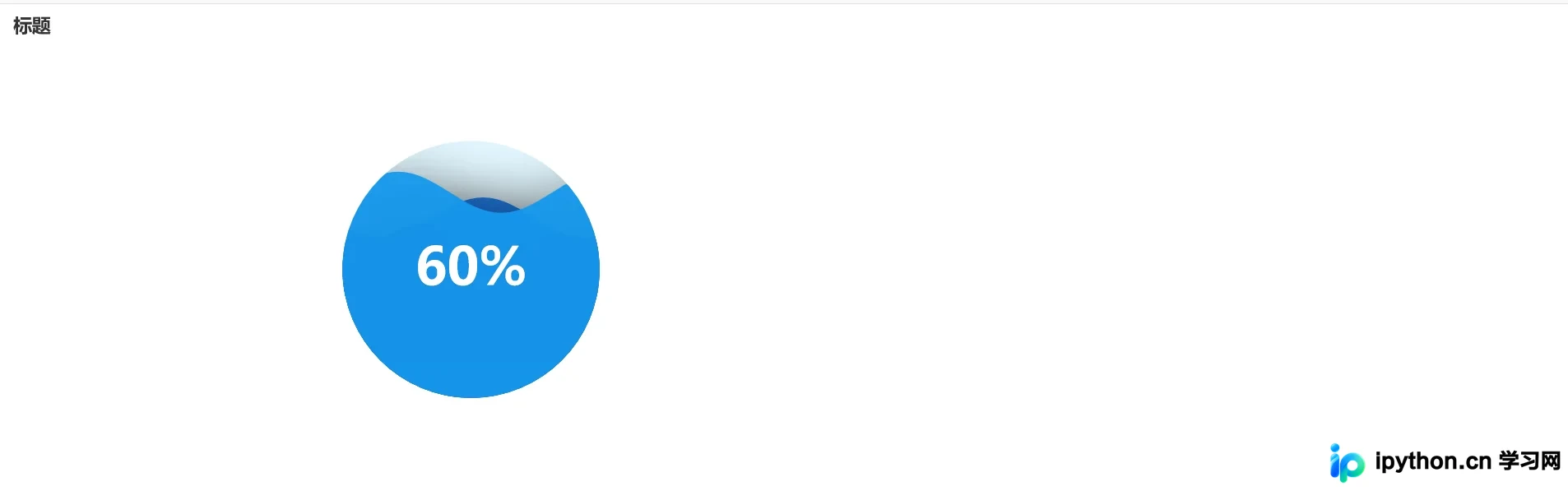
炫酷水球超级好看
感觉这个颜色搭配还是不错的
from pyecharts import options as opts
from pyecharts.charts import Liquid
c = (
Liquid()
.add("lq", [0.6, 0.7, 0.8], is_outline_show=False)
.set_global_opts(title_opts=opts.TitleOpts(title="标题"))
.render("无边框水球图.html")
)
到此这篇关于Python可视化神器pyecharts绘制水球图的文章就介绍到这了,更多相关 Python绘制水球图内容请搜索本站以前的文章或继续浏览下面的相关文章希望大家以后多多支持本站!
免责声明:本文内容仅供参考,不代表本站观点。转载或引用请注明出处。









