

Matplotlib绘制两点间连线的几种方法实现

发布时间:2026-10-15| 2人浏览过
本文详细介绍了在Matplotlib中绘制两点间连线的几种常用方法,包括使用pyplot、axes类以及figure类的具体实现。通过拆解数据集创建、画布生成、数据添加及图像显示等步骤,帮助读者掌握基础绘图技巧。
为了掌握Matplotlib中在两个点之间绘制连线的方法,本文进行了详细梳理,主要介绍了以下几种实现方式。
绘制方法 <1>
本文将通过最简单的模式拆解Matplotlib绘图的几个组成部分,将cover以下内容 1. Create a dataset 2. Create a canvas 3. Add data to canvas 4. Show the figure
import numpy as np
import matplotlib.pyplot as plt

# create a dataset
points = np.linspace(-5, 5, 256)
y1 = np.tanh(points) + 0.5
y2 = np.sin(points) - 0.2

# create a canvas
fig, axe = plt.subplots(figsize=(7, 3.5), dpi=300)

# add data to canvas
axe.plot(points, y1)
axe.plot(points, y2)

# show the figure
fig.savefig('output/to.png')

plt.close(fig)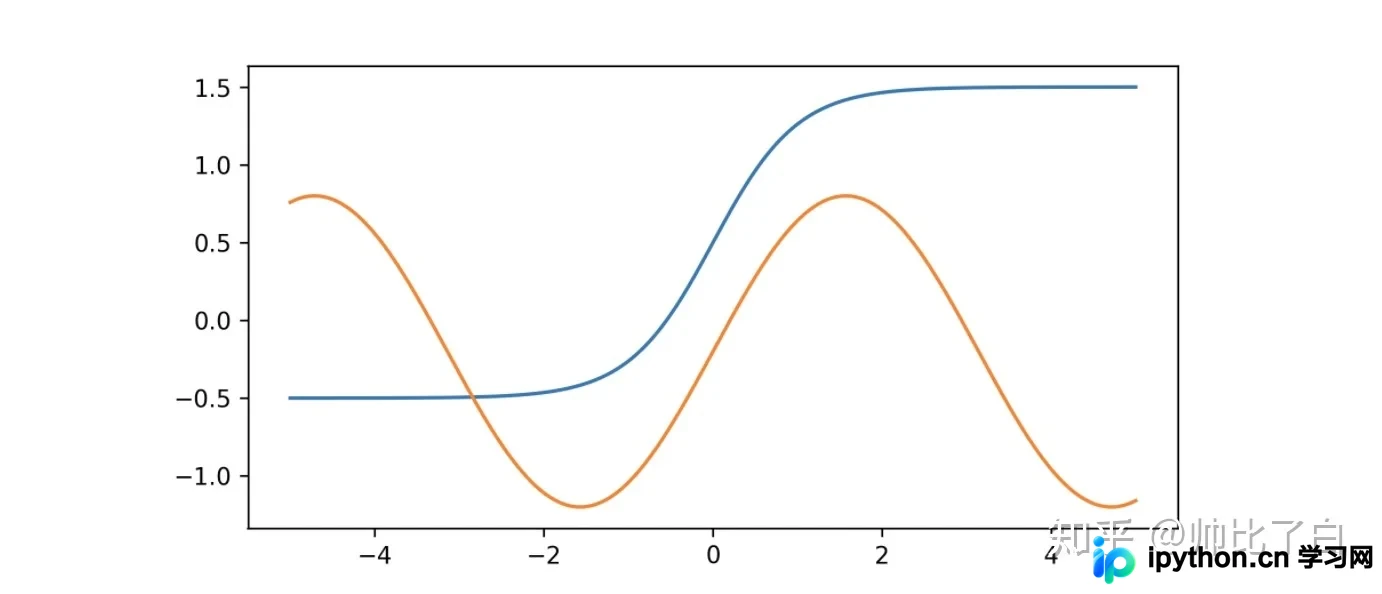
绘制方法<2> 使用pyplot绘制图像
import matplotlib.pyplot as plt
import numpy as np

x = np.linspace(-3, 3, 256)
y = np.sin(x)

plt.plot(x, y)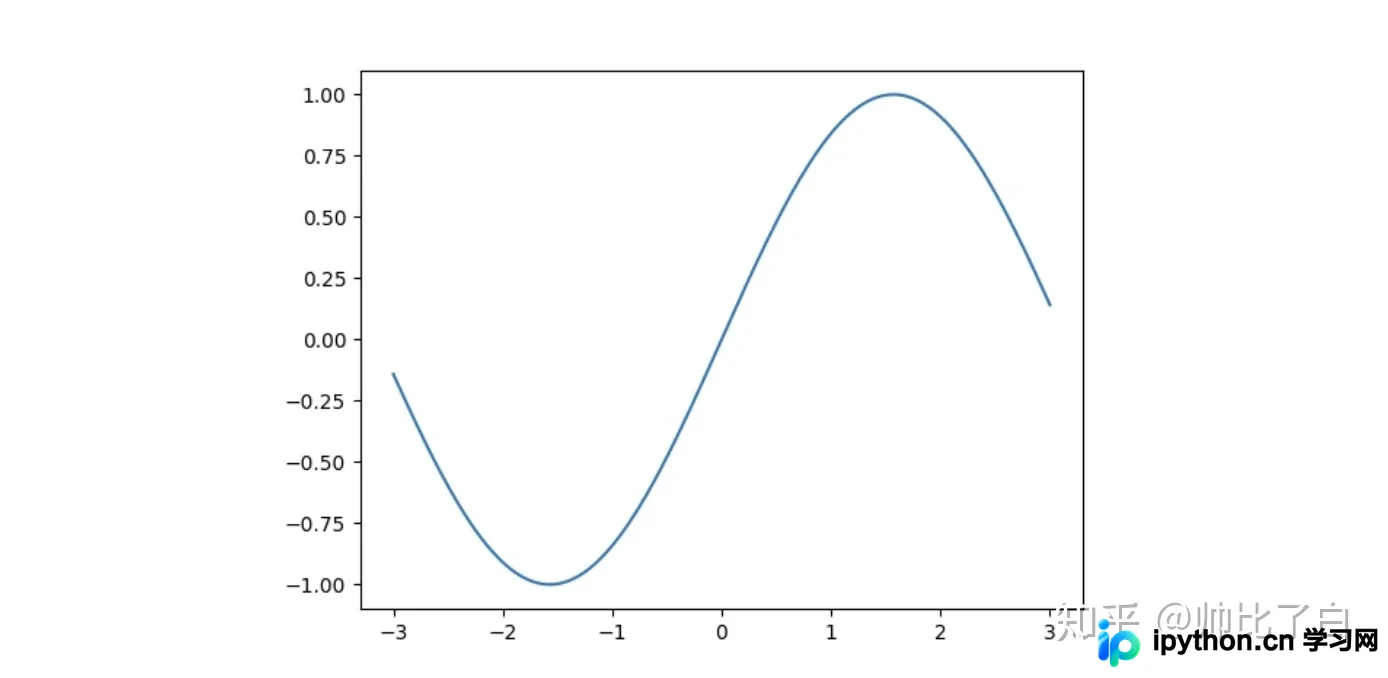
绘制方法<3> 使用axes类绘制图像
使用axes使用subplot()绘制单一图像,使用subplots(nrows,ncols)绘制多个图形
import matplotlib.pyplot as plt
import numpy as np

x = np.linspace(-3, 3, 256)
y = np.sin(x)

ax = plt.subplot()
ax.plot(x, y)
绘制方法<4> 使用figure类绘制图像
import matplotlib.pyplot as plt
import numpy as np

x = np.linspace(-3, 3, 256)
y = np.sin(x)

fig = plt.figure(dpi=300)
ax = fig.add_subplot(111)
ax.plot(x, y)
fig.savefig('output/to.png')
plt.close(fig)
表示了图像的position。如果使用subplots,则有nrows,ncols, andindex三个参数,其中idex从1开始,代表了左上角的图像
到此这篇关于matplotlib绘制两点间连线的几种方法实现的文章就介绍到这了,更多相关matplotlib 两点间连线内容请搜索本站以前的文章或继续浏览下面的相关文章希望大家以后多多支持本站!
免责声明:本文内容仅供参考,不代表本站观点。转载或引用请注明出处。









